Most people can describe how they feel today, but struggle to explain why the same mood keeps showing up. That is the gap AI mood tracking fills. A good AI journal app turns scattered feelings into patterns you can act on.
Quick answer
AI mood tracking combines your daily mood check-ins with context like sleep, stress, and triggers. It then highlights patterns you would miss on your own so you can adjust habits before things spiral.
What AI mood tracking is (and is not)
Traditional mood logs capture how you feel. AI mood tracking captures how you feel and connects it to what happened around you. It is not about labeling you. It is about surfacing repeatable signals so you can make better choices.
The five signals that reveal patterns
- Time of day: Mornings vs evenings often show very different moods.
- Sleep quality: Poor sleep can predict anxiety or low energy the next day.
- Social context: Certain people, places, or conversations repeat as triggers.
- Workload: Overcommitment shows up as irritability before burnout.
- Body signals: Tight chest, headaches, or restlessness often appear before mood drops.
What to log in 60 seconds
Short entries are more sustainable. Focus on a few consistent fields:
- 1-10 mood rating
- Energy level (low, medium, high)
- One trigger or highlight
- Location or context (home, work, commute)
- One sentence about how your body feels
Example: "Mood 4/10. Low energy. Triggered by a tense meeting. At work. Tight shoulders."
How to read your patterns
- Look for clusters: Repeated low moods after similar events.
- Find leading indicators: A small signal that appears before a bigger drop.
- Test one change: Sleep earlier, limit a trigger, or add one recovery habit.
A simple 7-day starter plan
- Day 1: Log mood and energy only.
- Day 2: Add one trigger or highlight.
- Day 3: Note sleep quality.
- Day 4: Add body signals.
- Day 5: Review your last four entries.
- Day 6: Pick one pattern and plan a small change.
- Day 7: Check if the change helped.
Common mistakes to avoid
- Only logging bad days: You need contrast to see patterns.
- Over-tagging: Too many labels hides the signal.
- Skipping reviews: Patterns appear when you look back weekly.
Why Lifelight works for pattern tracking
Lifelight was built for pattern recognition, not just journaling. The app connects your entries across time, highlights repeats, and helps you spot what actually helps.
- AI prompts that surface meaningful context
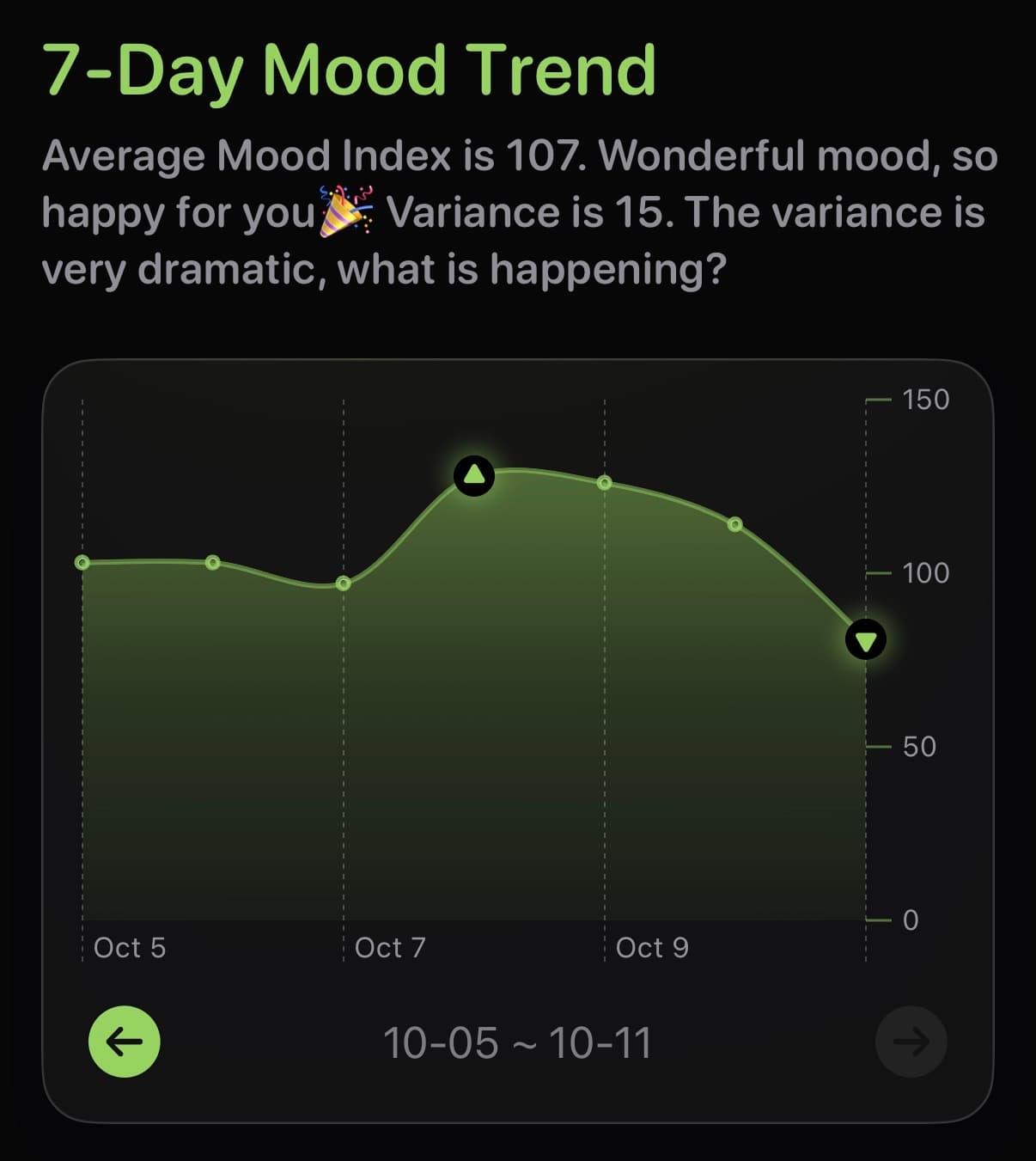
- Mood trend visualizations that make patterns obvious
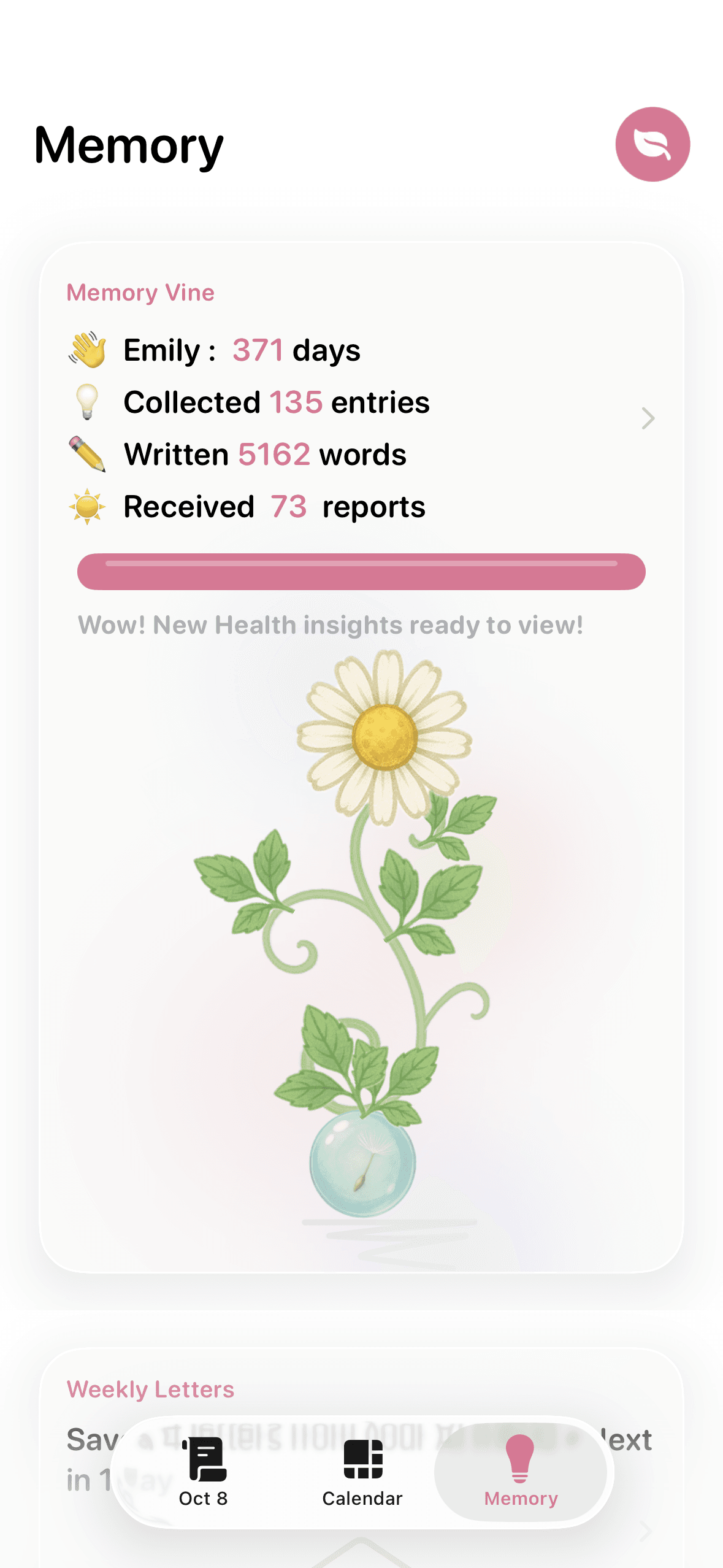
- Memory Vine connections that link related moments
If you want a guided, private way to track your moods, start on the Lifelight AI journal app page or download the app directly.
Final thought
Patterns are not destiny. They are data. And once you can see the pattern, you can change it.